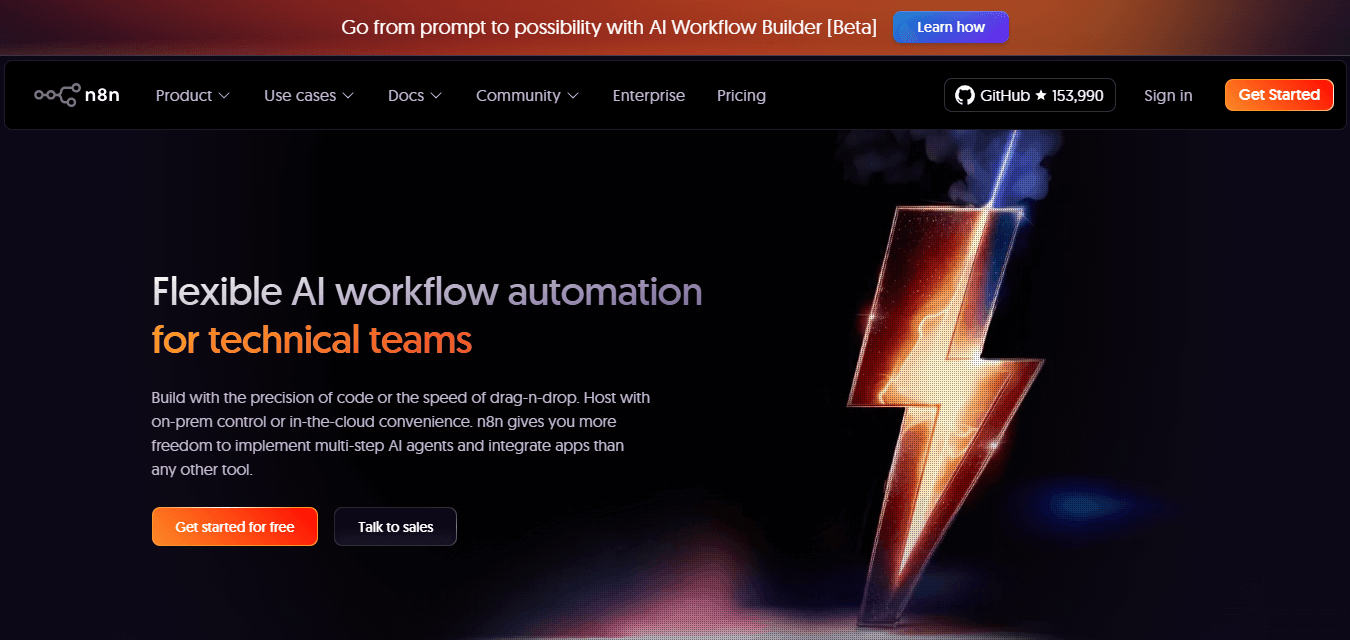
n8n is an automation platform built to improve tedious tasks with simple logic-based workflows. It integrates seamlessly with a wide range of apps and tools, ensuring users can build automations that meet their unique needs.
Beyond its features, n8n has a large and active community of creators and users who continuously build, share, and refine workflows, making it easier for new users to explore and replicate proven automation setups. Today, there are over 6,000 n8n workflow templates available, showcasing its versatility and lowering the barrier to entry for teams and individuals looking to automate smarter.
As expected, using n8n comes at a cost. A free plan allows 100 executions per month, while the paid plans start at $24/month for 2,500 executions. From testing your workflows, building multiple workflows, or performing tasks with high execution frequency, this can quickly become expensive.
In this guide, we'll show you how to use n8n for free by deploying a self-hosted version on PipeOps. We would also explore its benefits and explain how it differs from the standard n8n pricing.
Why self-host n8n?
Self-hosting simply means running an application on your own server or cloud, giving you full control over data, performance, and configurations. Self-hosting n8n presents major benefits like better control over data and privacy, lower cost with unlimited executions, and a more scalable setup as your automation needs grow.
Understanding executions in n8n
In n8n, an execution simply refers to every time a workflow runs, regardless of the intent. Which means, while developing your workflow, each test, iteration or completed task counts as a new execution, and for active workflows, each completed run counts as an execution.
For example, building a simple automation that monitors your email, updates a CRM, and posts on Slack could easily cost multiple executions during setup, debugging, and running the task for every email over a month. With just 100 or even 2,500 executions, you have limited flexibility to build truly useful automations.
The number of executions determines your flexibility to build truly useful automations.
Self-Hosting n8n on PipeOps
PipeOps simplifies the entire self-hosting experience, offering automatic configuration, secure deployment, and monitoring so you get all the benefits of self-hosting without the hassle of technical setup.
With an active PipeOps subscription, you can easily deploy n8n in 3 clicks directly from your dashboard, making workflow automation accessible from the moment you sign in.
n8n Hosting vs Self-Hosting on PipeOps
| n8n Hosting | Self-Hosting on PipeOps | |
|---|---|---|
| Data privacy | Your workflows and data are processed through n8n's servers, which may raise compliance concerns. | Complete control over your data, nothing leaves your environment. |
| Cost | Starts at $24/month, which includes 2500 executions. | Starts at $10 (#15,000)/ month for an active account. Includes unlimited executions. |
| Ease of Onboarding | Low-Medium complexitySimply sign up and get started | Medium complexityDeploy the n8n add-on in 3 clicks and get started |
| Scalability | Cost grows with the number of executions and workflows. | Cost grows only by server resource usage. |
| Utility | Strictly for n8n | Deploy web projects, workers, or databases. |
How to deploy n8n on PipeOps
Prerequisites for hosting on PipeOps
- A PipeOps Account (don't have one? get started with 14 days free here)
Steps to Deploy n8n on PipeOps
-
Log in to your PipeOps account
-
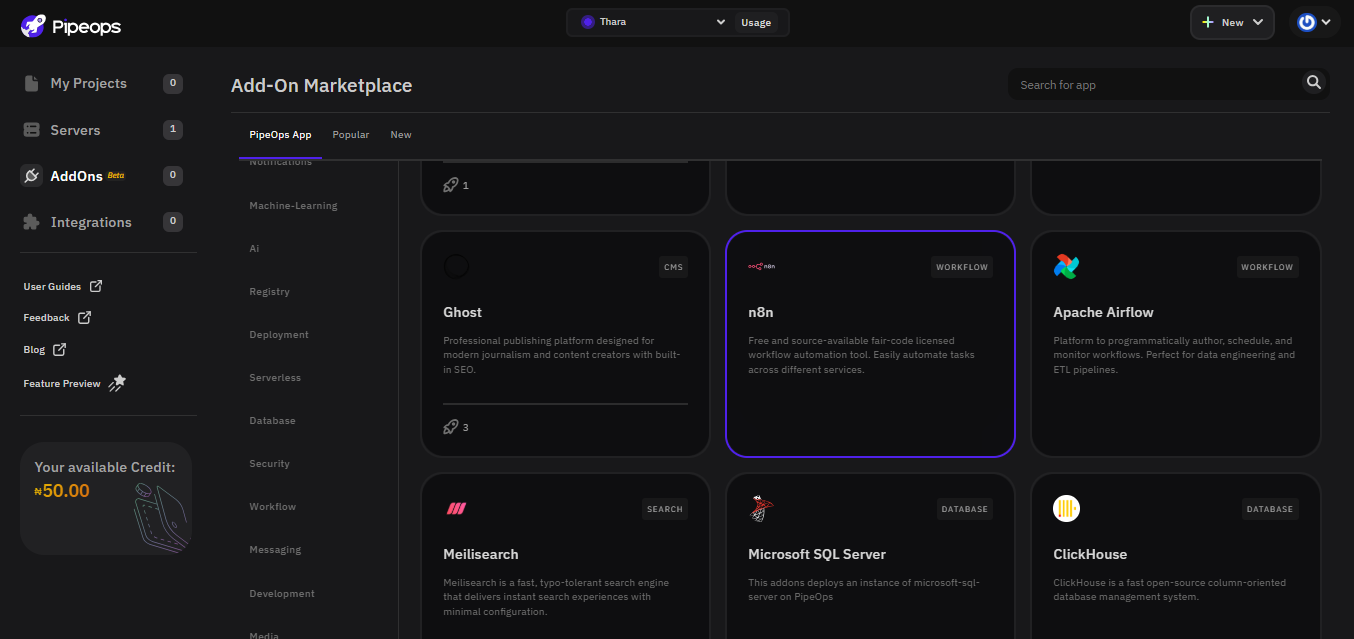
Navigate to the Add-ons section.
-
Search for and select n8n
-
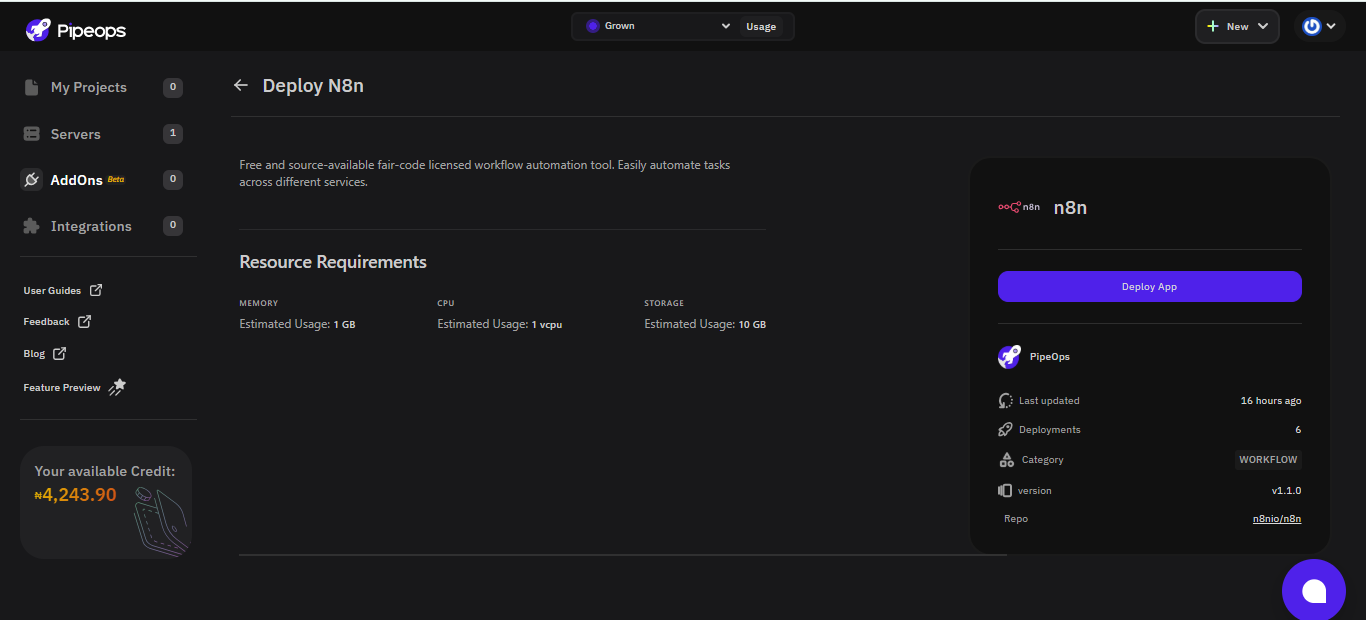
Click Deploy App
-
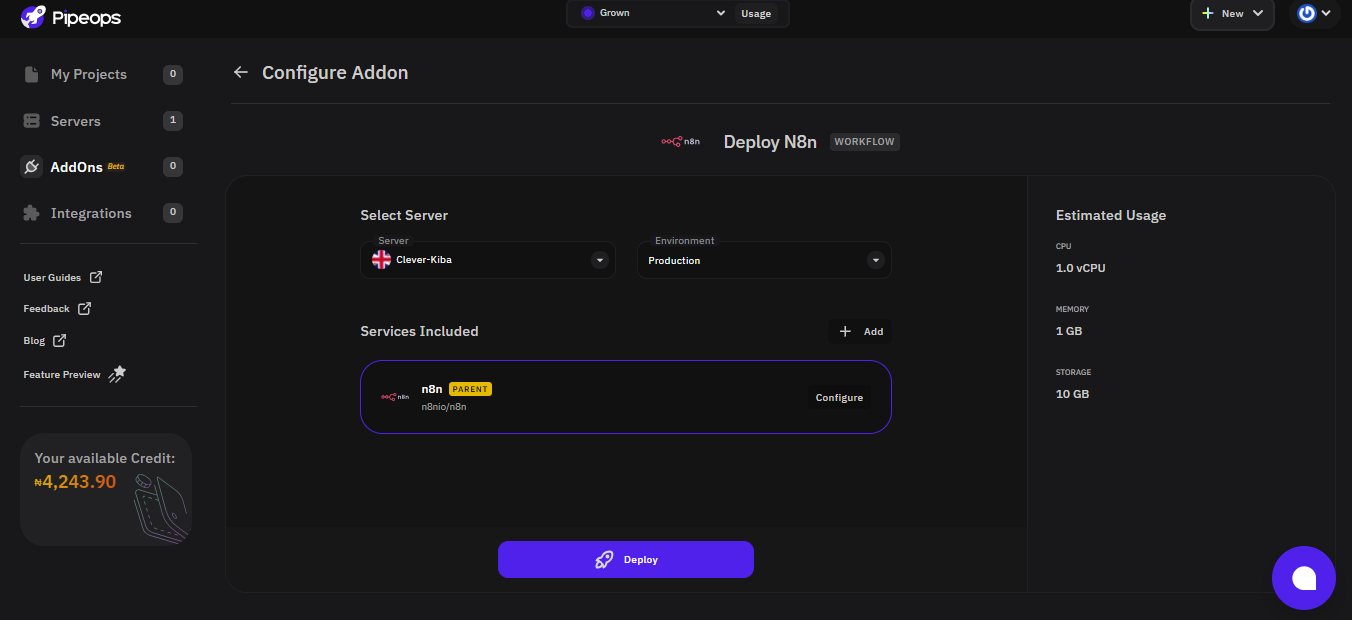
You'll be directed to the Configure Add-on page, on this page you can select a server, choose an environment, and set any additional specifications or dependencies.
Note: Ensure your environment is set to "Production." Under "Services Included," we recommend selecting the only option available, it's usually named "n8n Parent." You can leave other settings as they are unless you have specific dependencies to add.
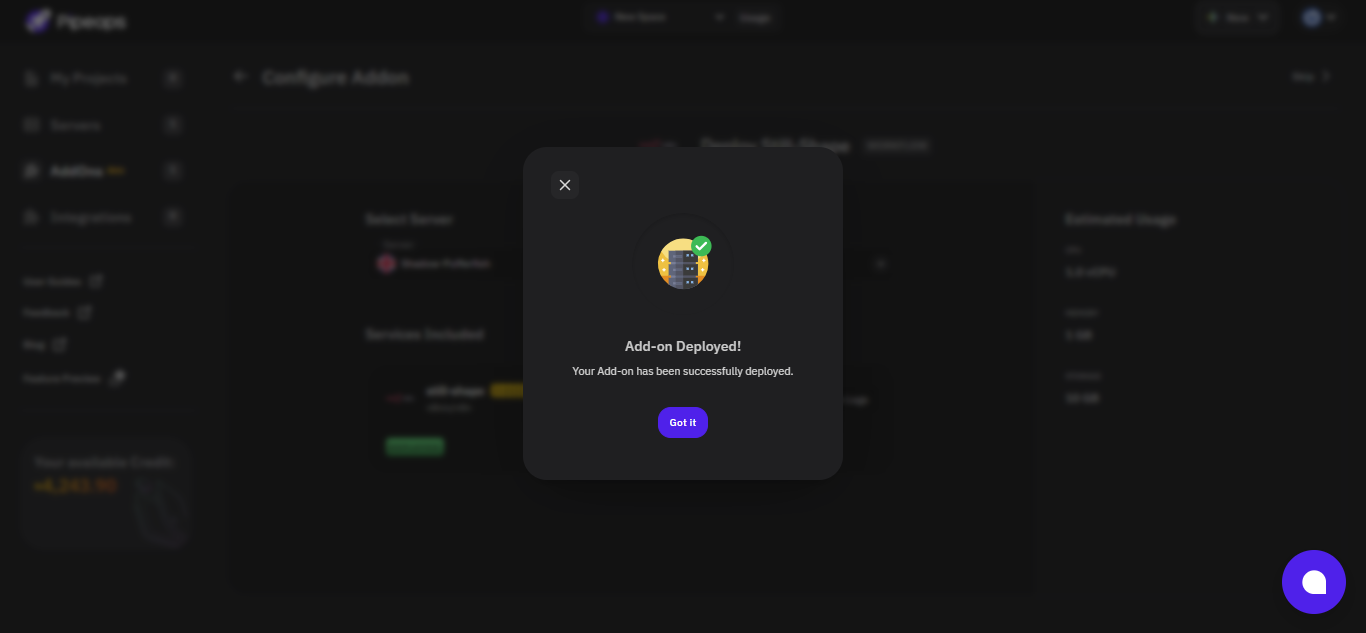
- Once the deployment is complete, you'll see a "Add-On Deployed" message confirming that your n8n add-on is live.
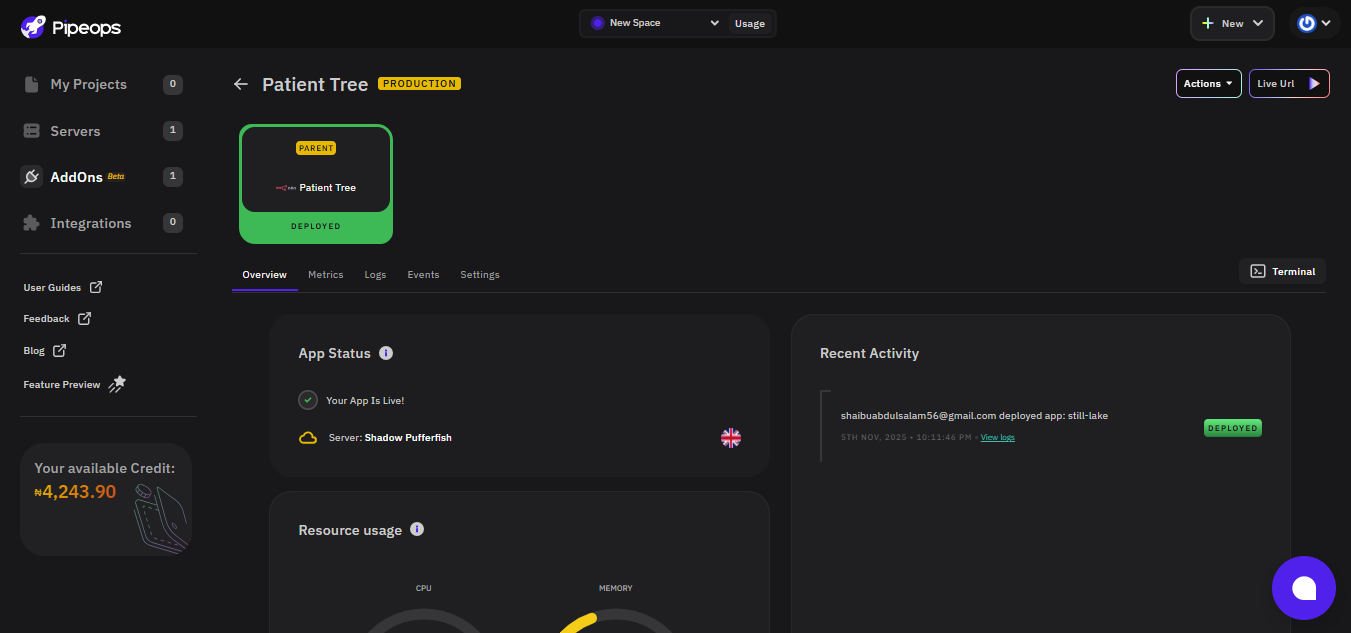
- Click to view the newly deployed n8n instance on your dashboard. At the top right corner of your dashboard, click Live URL to launch your n8n instance (this redirects you to n8n).
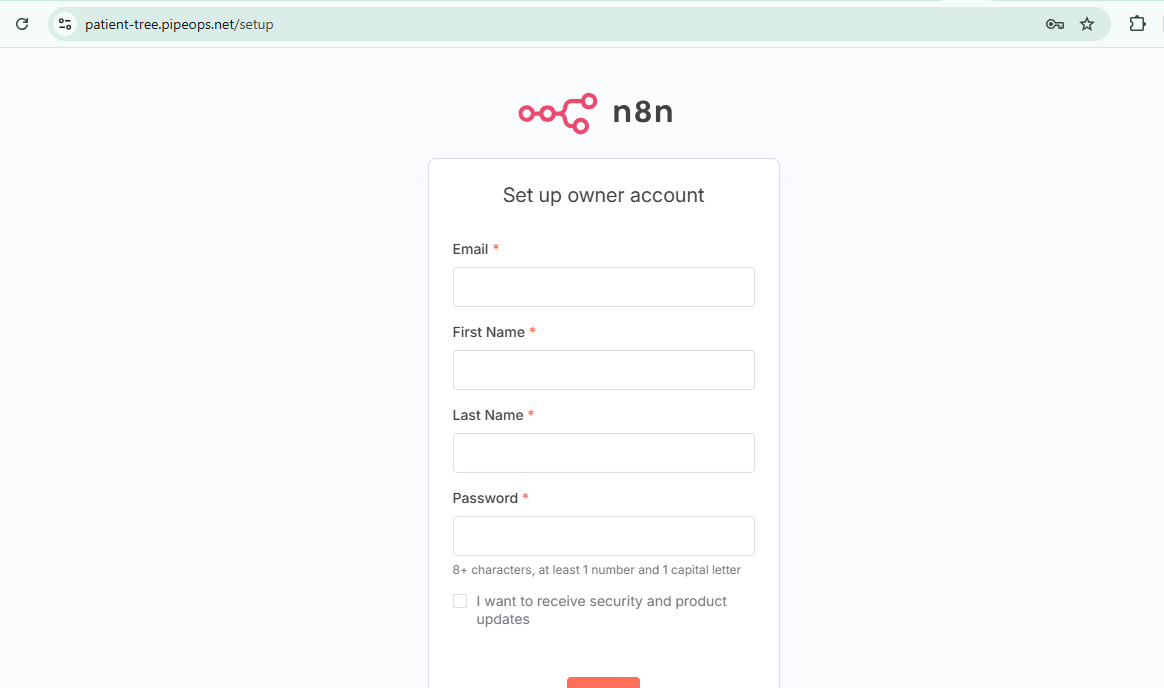
- Your newly deployed n8n instance will load up and now its time to create an n8n account.
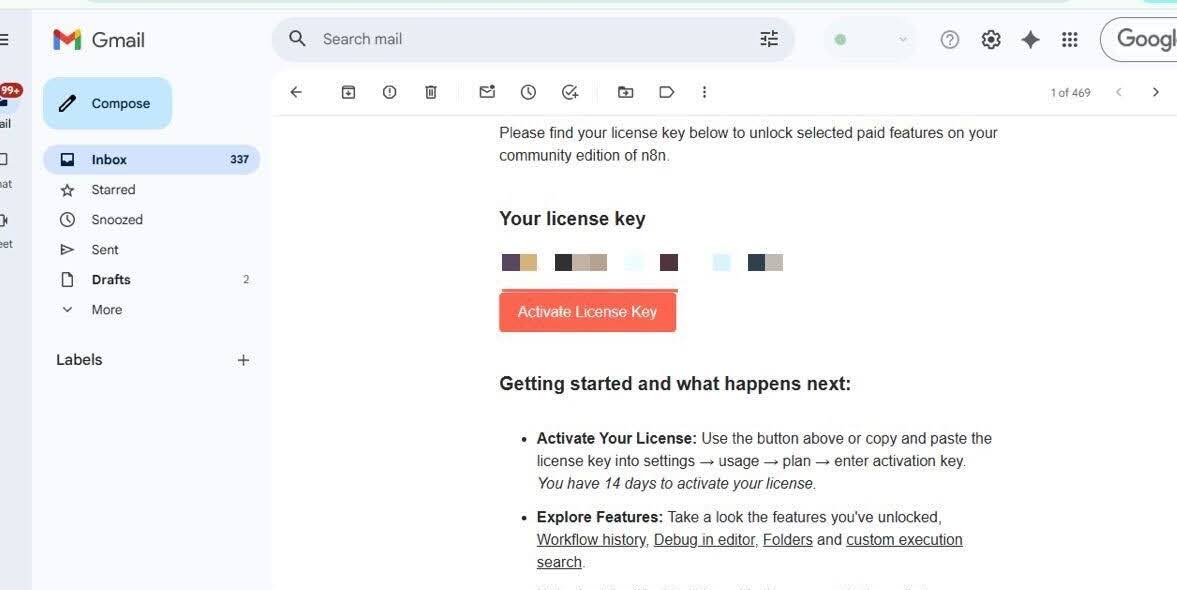
- After signing up on this website, you will receive a prompt that allows you request for a licence key
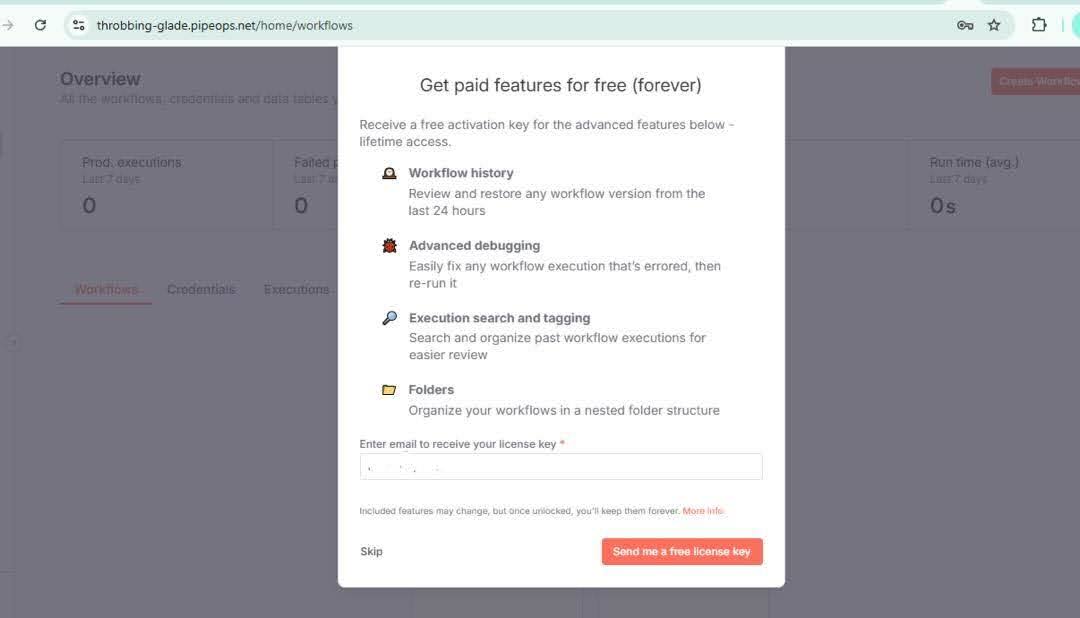
- The licence key is a string of numbers and letters sent directly to your email.
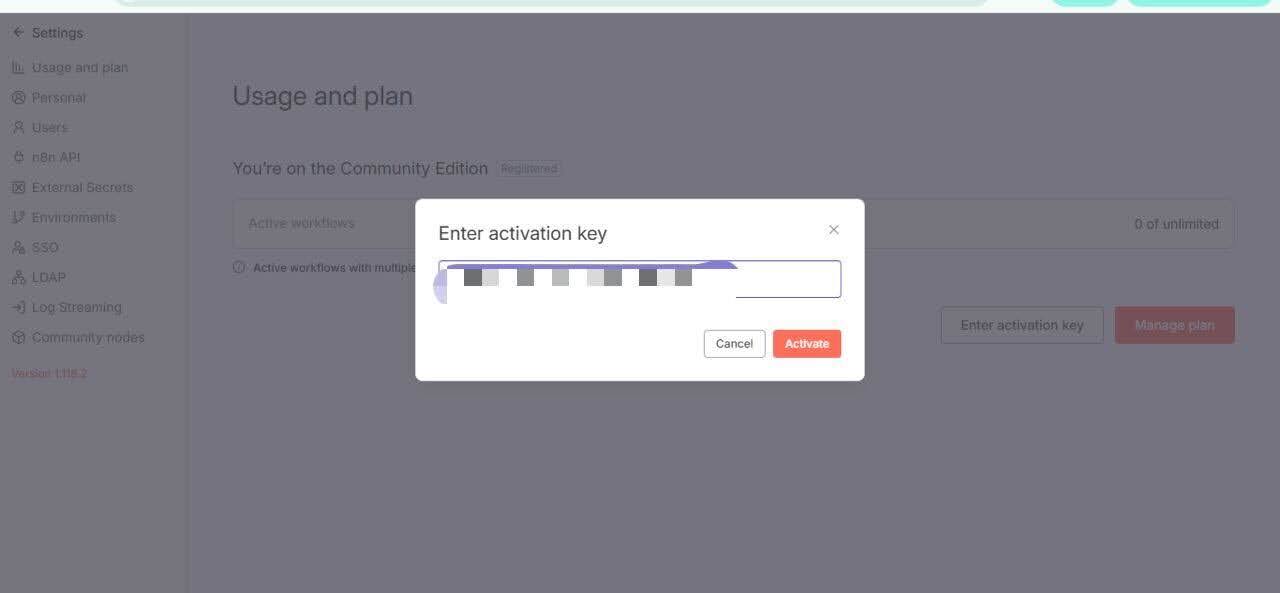
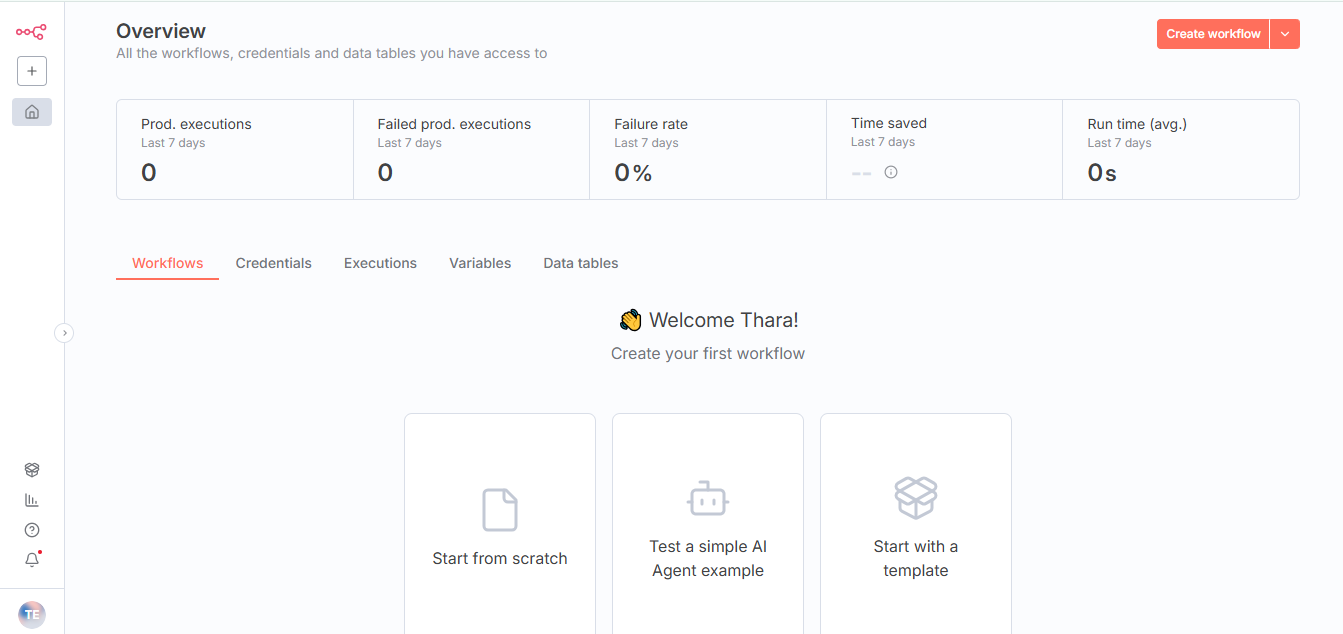
- Once you enter it, you get instant access to your n8n dashboard and can start creating workflows
Interesting Use cases of n8n for businesses and SMEs
-
Automate Multi Platform Social Media Creation with AI: This workflow uses AI to generate platform-optimized content, formats it into HTML for human review, and automates one-click publishing to Instagram, X (Twitter), and LinkedIn. It's a smart way to scale your social media strategy without losing your brand voice. You can find this template here.
-
Scan news and insights about a company before a call: Never go into a meeting unprepared again. This workflow automatically scans your calendar for upcoming calls, identifies company names, fetches the latest news or updates about them, and delivers concise insights to your inbox or Slack channel. It's your personal research assistant powered by automation. here
-
Chat with a database using n8n: This workflow lets you interact directly with your database through natural language. You can ask questions about your stored data and get instant answers powered by AI. It uses n8n's embedded chat and can be customized to work with Slack or Microsoft Teams making it easy to bring data insights right into your daily conversations. here